Official website links end with .gov.sg
 Oobee
OobeeImproving Website Accessibility for Screen Reader Users
Screen reader users struggle to understand and navigate between different website pages because all the navigational buttons are read out as "Buttons." By using Oobee, agencies can:
- Scan the entire website to identify accessibility-related code issues and generate a comprehensive report.
- Utilise the report to quickly identify similar code issues and reference the relevant WCAG clauses for more information and potential solutions.
- If the affected code is part of a component, addressing it at the component level may enhance accessibility across all other pages that use that component.
- Use the other accessibility issues identified in the report to help plan the team's accessibility roadmap.
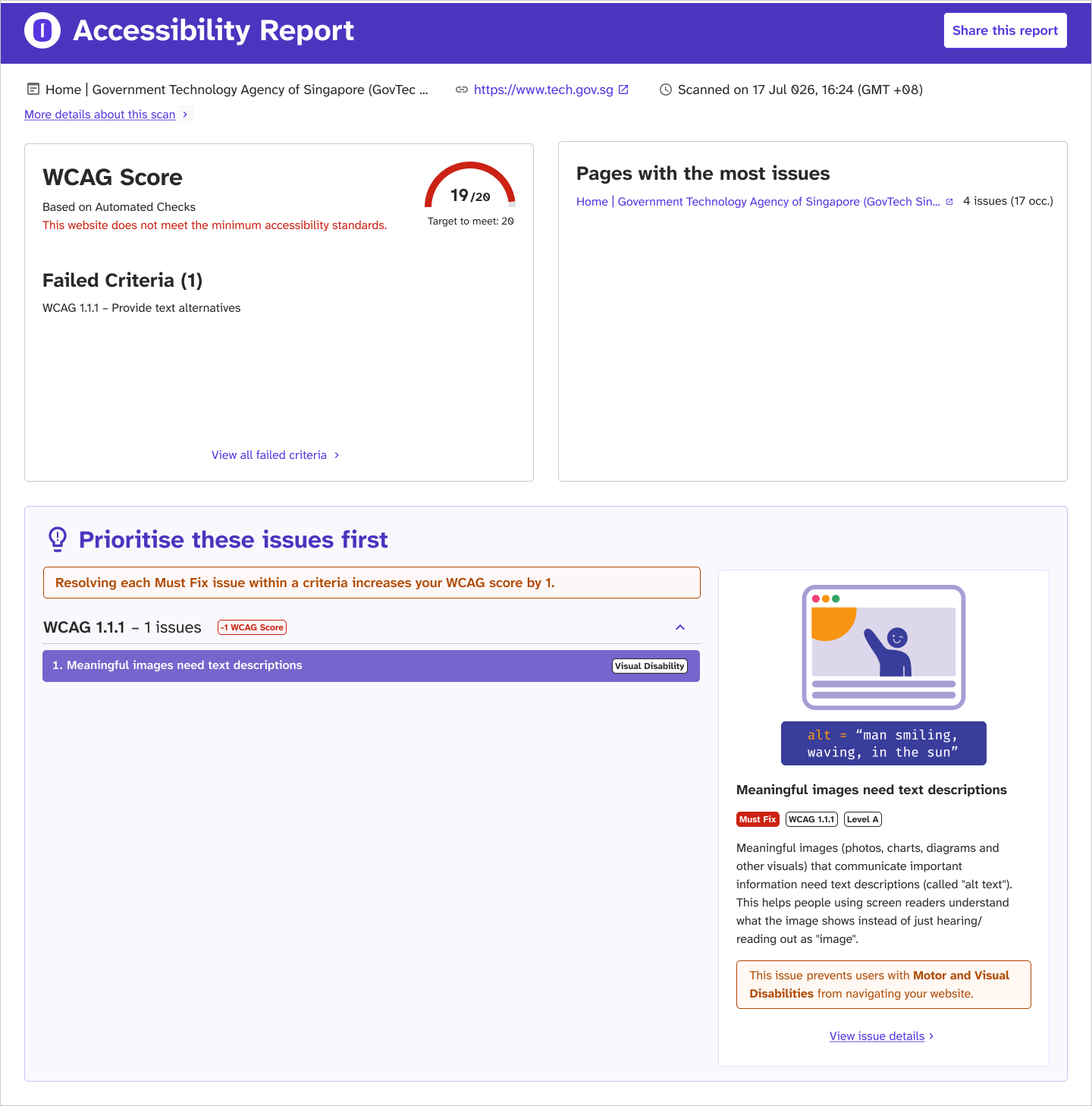
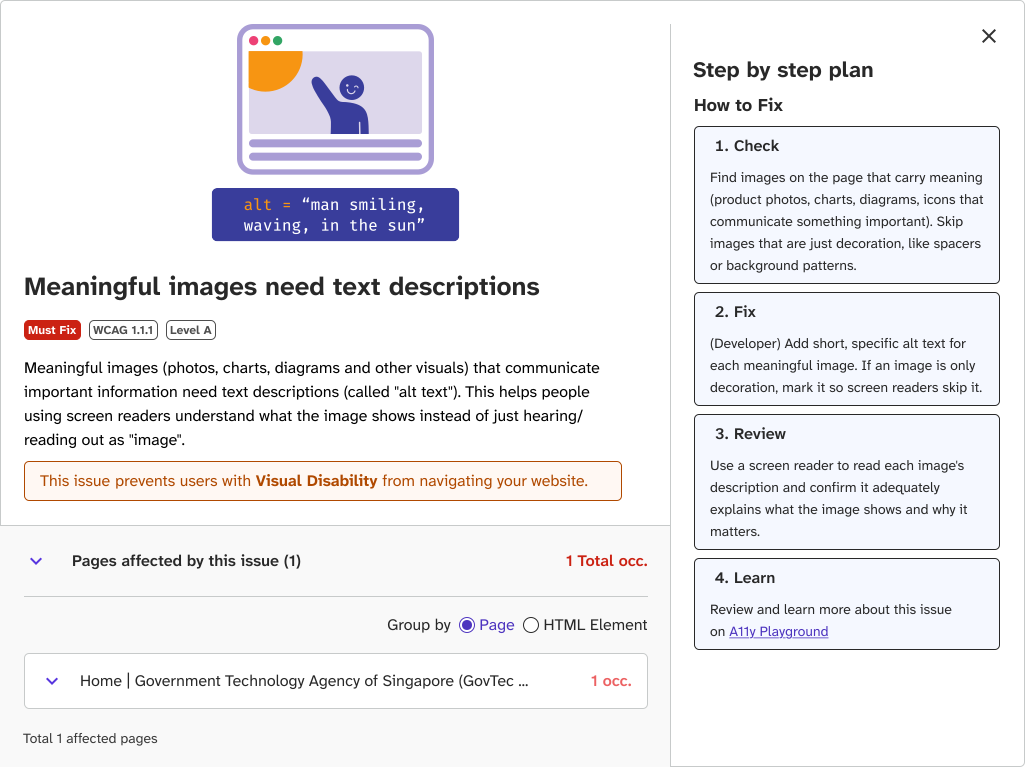
Prioritising Accessibility Improvements
To assist agencies in improving their websites' accessibility, the Oobee report categorises accessibility issues into two groups: "Must-Fix" and "Good-to-Fix."
Must-Fix Issues: These issues require immediate attention as they create significant barriers for PWDs, preventing access to essential content or features. For instance, missing form labels hinder accessibility because they are vital for screen reader users to understand input expectations and navigate forms effectively.
Good-to-Fix Issues: While these issues may present challenges for PWDs, they do not entirely block access to essential content or features. For example, ensuring that all page content is organised within appropriate landmarks can facilitate easier navigation for screen reader users. Content outside of these landmarks may be hard to locate, and its purpose can be unclear, making it inconvenient for screen reader users.
Manual Test: Manual Test: Potential flaws flagged by the engine that require human verification. These should be reviewed through real-world testing whenever possible.
Users should prioritise addressing "Must-Fix" issues first to prevent excluding PWDs. To aid in prioritisation, the report provides additional details on each issue, including:
- Why it Matters: An explanation of the impact and implications of the issue on accessibility.
- WCAG Success Criteria Conformance: Identification of the specific violation of the WCAG associated with the issue.
- Location of Each Occurrence: The specific areas or pages where the issue is present on the website or platform.
- Recommended Fixes: Suggestions and guidance on how to effectively address and resolve the issue.
Was this article useful?